
Web App Development Services
Why Partner With Us?
EqualReach connects you with specialist teams in Web Application Development. These experts build custom, secure, and high-performance web applications that turn your complex business ideas into simple, working digital tools. By combining solid engineering with user-friendly design, our teams ensure every application they build is reliable, secure, and ready to grow alongside your business.
What You Can Expect
Our specialist teams focus on delivering concrete, measurable outputs. The specific deliverables will be customised based on your project's goals and requirements. The following examples represent the range of valuable outputs you could receive:
Planning & Blueprinting
- Technical Blueprint: A clear plan outlining how the system will be built, how data is stored, and how it connects to other tools.
- Technology Selection: A recommendation on the best programming languages and tools to use for your specific needs.
- Development Roadmap: A timeline showing exactly when features will be built and released.
Core Development
- User Interface (Front-End): The visually engaging, interactive part of the app that your customers or employees will actually see and use.
- Core Functionality (Back-End): The secure "engine" behind the scenes that processes data and powers the application's logic.
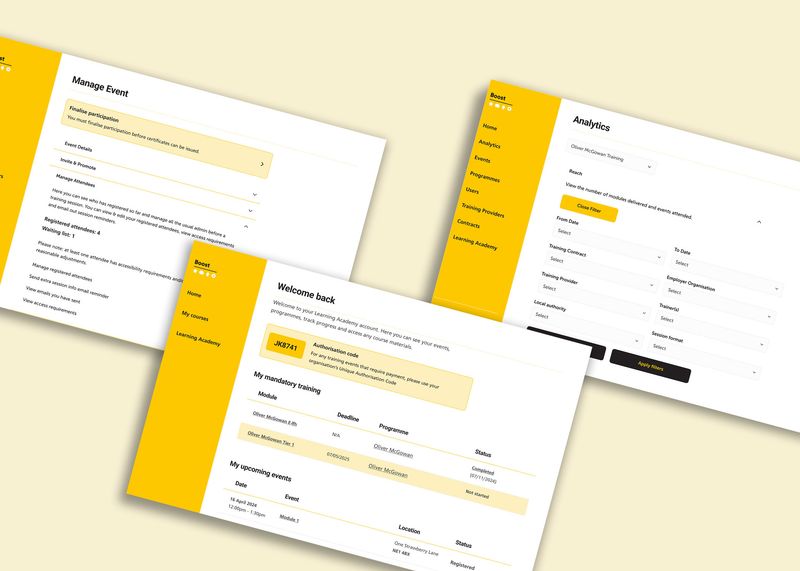
- Admin Dashboard: A custom control panel giving you full ability to manage your content, users, and data easily.
Quality & Launch
- Testing Reports: Proof that the application has been rigorously tested to ensure it works bug-free across different devices.
- Developer Guides: Clear documentation explaining how the code works, making it easy for future developers to step in if needed.
- Full Code Ownership: You receive 100% ownership of the code and intellectual property upon completion.
How They Work With You
Specialist teams can support you at any stage of the development lifecycle through a clear, collaborative approach:
1. Plan & Architect
- Requirements Gathering: Deeply analysing your business needs to understand exactly what the software needs to do.
- System Design: Mapping out the structure of the app to ensure it is stable, secure, and fast.
- Feasibility Check: Reviewing the plan to ensure it can be built within your budget and timeline.
2. Build & Iterate
- Sprint-Based Work: Building the software in two-week blocks, allowing you to see progress regularly and give feedback.
- Regular Updates: Implementing a process where code is updated frequently to catch issues early.
- Feature Demos: Showing you working parts of the software at the end of each cycle to ensure it matches your vision.
3. Test & Launch
- User Testing: A dedicated phase where you and your team try out the software in a real-world setting before it goes live.
- Live Deployment: Setting up the cloud servers and officially launching the application to the public or your internal team.
- Post-Launch Support: A warranty period to fix any immediate bugs and ensure the app is running smoothly.
Popular Use Cases
Businesses most often engage our specialist teams to:
- Build a SaaS Product: Create a subscription-based software platform to generate recurring revenue.
- Digitise Internal Tools: Create custom dashboards to replace spreadsheets, automate manual work, and save time.
- Launch a Customer Portal: Build a secure area for clients to log in, manage orders, or access support.
- Modernise Old Software: Rebuild outdated systems into modern, cloud-based applications that are easier to use.
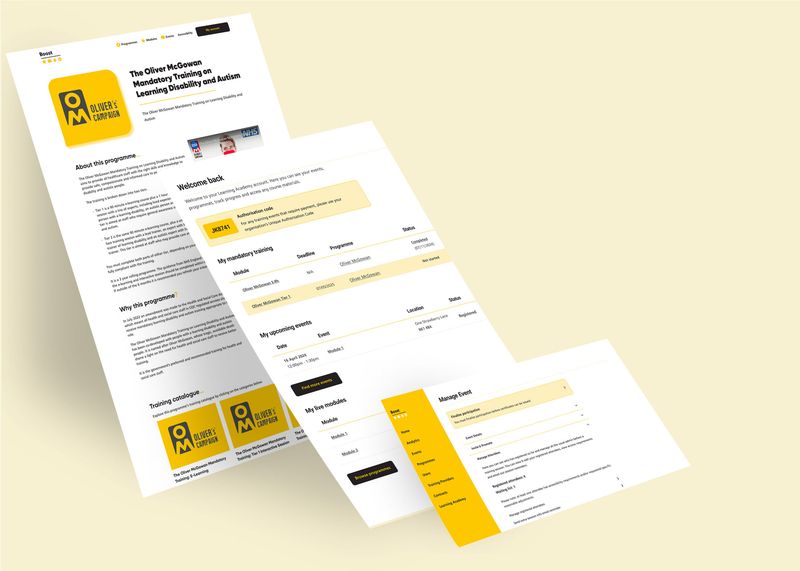
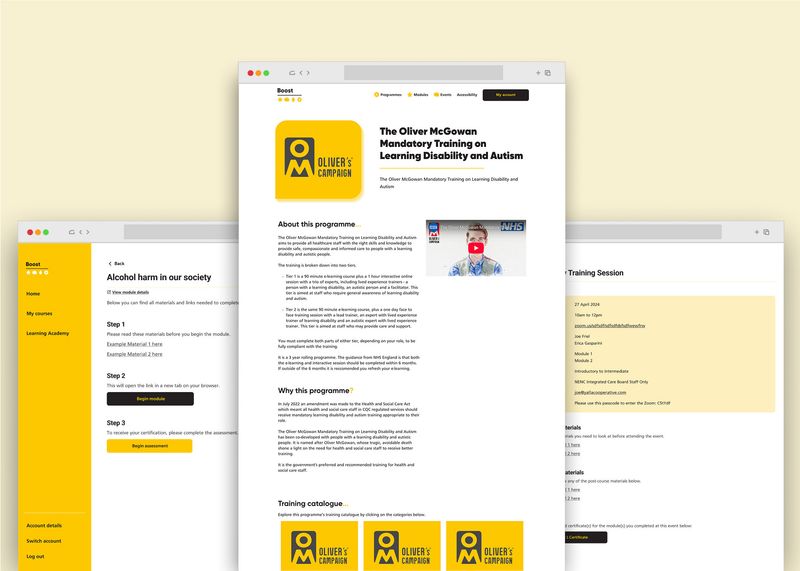
See this case study:

Join our online community and start a project today.
Your next project is within reach
Connect with vetted agencies today.


